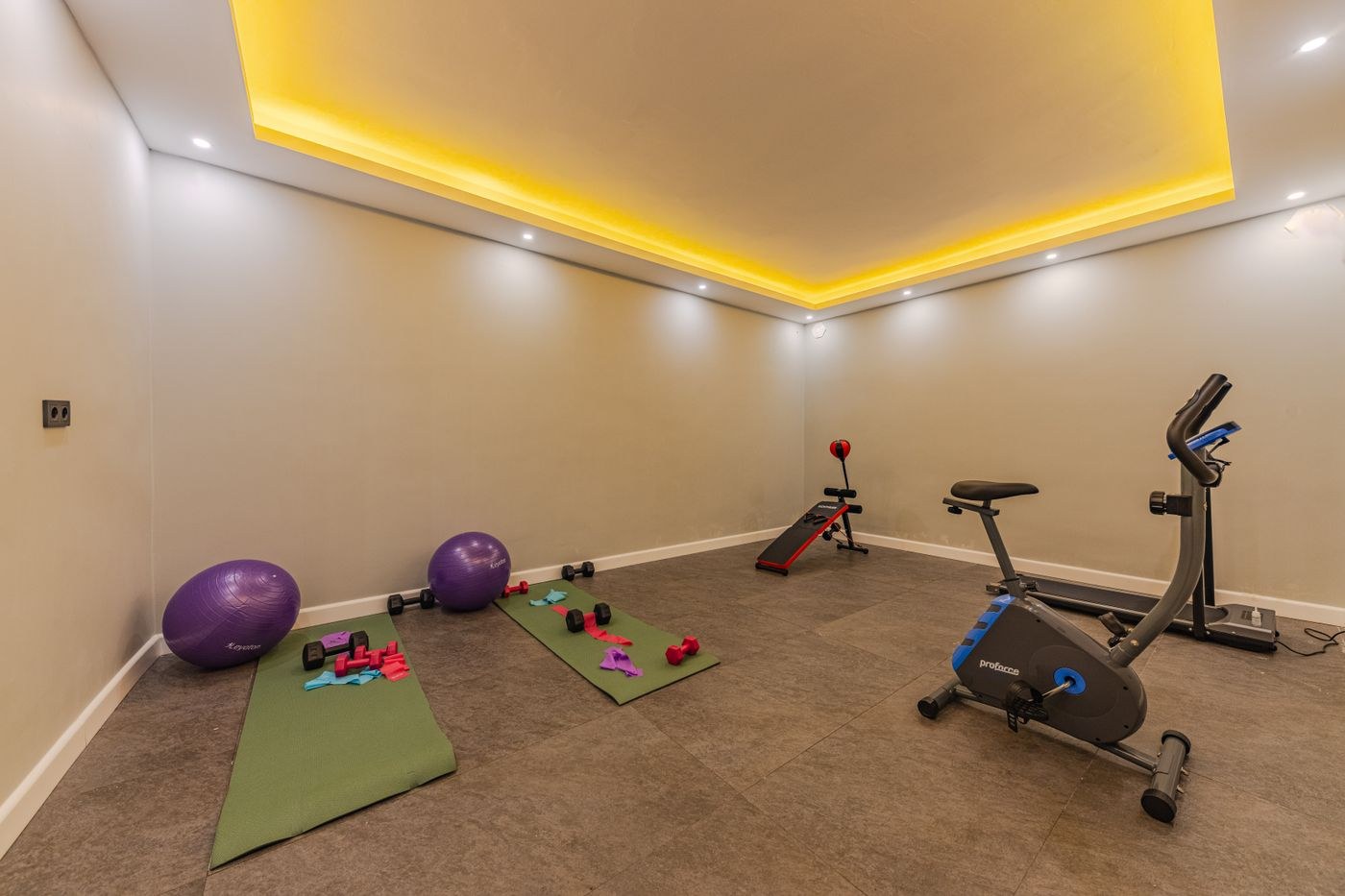
Home & outdoors
The daily weather symbol is only a starting point. The hours you travel and train may have quite different conditions.
Look at the location of the class rather than a broad regional forecast. Check the period before it starts, the session itself and the journey back. Temperature, rain, wind and visibility all affect an outdoor plan, while a weather warning may also affect an indoor class if travelling becomes difficult.
A forecast is not a promise about one patch of ground. Rain earlier in the day can leave a surface wet even if your session has a sunshine symbol. Equally, a sheltered garden and an exposed promenade can feel different. Use the forecast to prepare, then inspect conditions when you arrive.
Decide what would make you change the plan. Heavy rain might mean using the provider's indoor alternative; strong wind might rule out an exposed coastal location; icy paths might make the journey unsuitable. A decision made before leaving is easier to follow than one made after carrying equipment across town.
Check the class provider's own message channel for cancellation or relocation instructions. Weather apps do not tell you whether the instructor has changed the meeting place. If no update is available and conditions are concerning, contact the organiser rather than assuming silence means the class will proceed normally.
Pack the extra layer, water or rain protection that the forecast actually calls for. Keep a phone and other items protected in the way their manufacturers specify. Avoid taking so much spare kit that carrying it becomes the hardest part of the outing. The useful question is what you need to arrive, participate comfortably and get home.
Check again close to departure when unsettled weather is expected. If you have already left and conditions worsen, you can still turn back or move to a safe indoor place. Do not treat the earlier forecast as permission to continue. After a few outings, note which details were useful: for example, whether wind at the coast mattered more than the temperature. This builds a more realistic routine than relying on one large weather icon.